MCG Student is the official app for students of MCG Career College. Carry your student ID, check the results and attendance your instructors have submitted, review what you have paid, and get announcements from your campus.
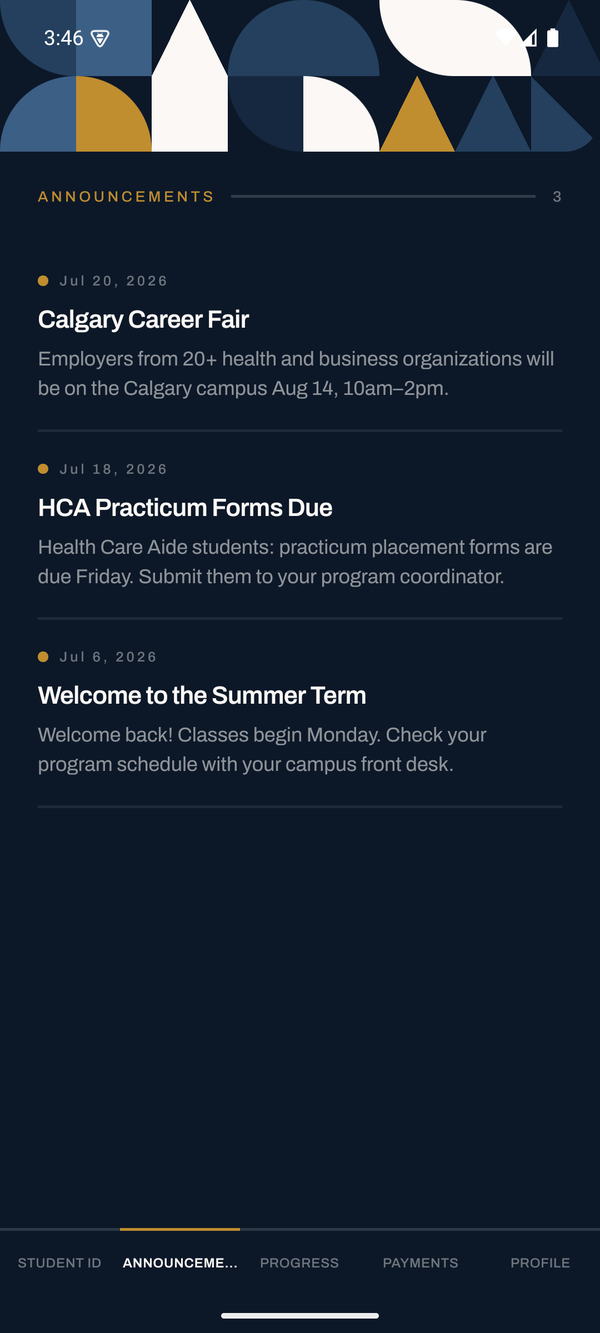
What you can do
Digital student ID
Take your photo in the app. Once campus staff approve it, show your ID at any MCG campus. The QR code refreshes every 60 seconds, so a screenshot of it cannot be reused.
Results and attendance
See the course results and attendance MCG has recorded, exactly as your instructors submitted them.
Payments
Review the tuition payments on your account and what is outstanding. The app never takes a payment and never asks for card details.
Campus announcements
Notifications about your campus and your program, from MCG staff.
Getting in
Sign in with the email address on your student record. There is no password — you receive a six-digit code by email each time. If your email has changed, or you cannot sign in, speak to your campus front desk.
The app shows your record; it does not replace it
Everything in the app is a read-only copy of what MCG's student information system holds. You cannot change your record in the app, and it is not an official transcript, attendance report or receipt — request those from the registrar. Corrections go through your instructor, the registrar or your campus front desk.